
Budget-friendly options can meet 90% of small and medium-sized business requirements:
— Manage SSID and VLAN to separate different types of traffic (e.g. guests and staff)
— Support for WPA2/WPA3 (Personal and Enterprise)
— Fast roaming with 802.11r/k/v protocols – devices smoothly switch between access points
— Centralized management via convenient web-interface and mobile applications
— Wi‑Fi 5 and Wi‑Fi 6 equipment for indoor and outdoor sites, with different user densities
Ability to build a network not only on access points, but also with managed PoE switches
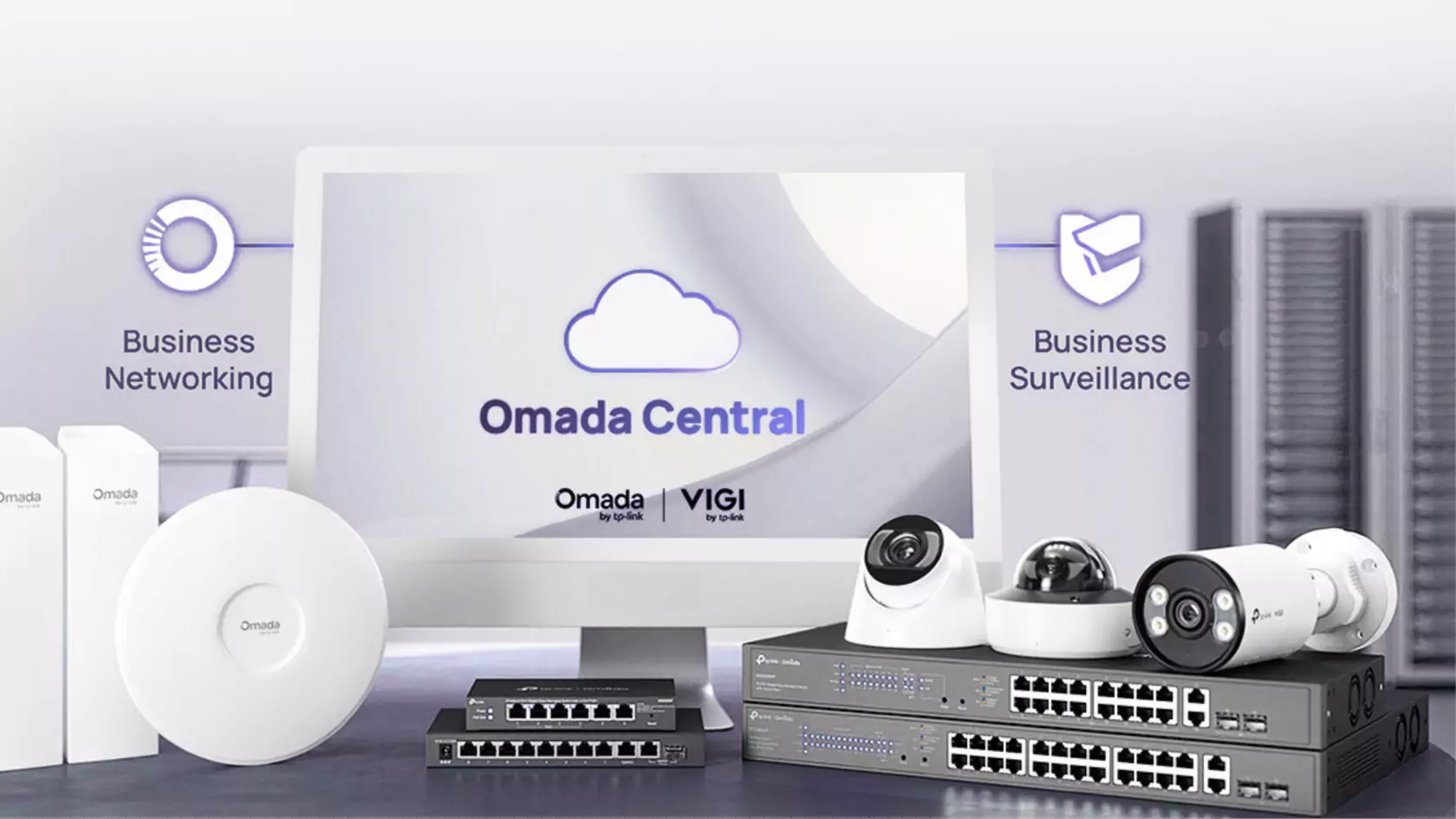
Solution #1 – TP-Link Omada
For whom it is suitable:
Great choice for offices, cafes and restaurants, shops, warehouses, small hotels and hostels.
Features
— Managed via controller (hardware OC200/OC300 or software on server); supported configuration backup (to USB or remote server).
— Supports WPA3, VLAN, multiple SSID per point, roaming (802.11r/k/v), mesh and advanced security policies.
— The controller interface monitors equipment and client devices, reports, and critical events.
— Basic scheduled channel and transmit power optimization is available. Across around 30 access points, this may interrupt Wi‑Fi for 4–5 minutes. It is less comprehensive than Cisco RRM or Aruba ARM.
— Controllers do not support hot backup (active/standby) – only manual cold-standby: the second controller is connected manually in case of failure.
— The points strictly adhere to legislative power limits (20 dBm for 2.4 GHz and 23 dBm for 5 GHz), so sometimes more points are required to cover the same area than Ruckus or Aruba solutions.
The recommended load is:
Suitable for networks of 50–100 access points, depending on controller model and required client density.
Solution #2 – Aruba Instant On
For whom it is suitable:
Suitable for small cafés, restaurants, salons, customer-facing offices, fitness clubs, hotels, and hostels.
Features:
— It works only via Aruba Instant On cloud controller.
— Very simple interface and quick setup.
— There is no deep system log (syslog) for diagnostics.
— Up to 25 devices (APs and switches) can be combined into one cluster.
The recommended load is:
This network can readily cover an office of up to 2,500 m² or a small hotel with up to 80 rooms.
Scaling to a larger site
Unlike Aruba Instant On, described here as limited to 50 devices per cluster, Omada can manage hundreds of access points through one controller where controller and network capacity allow.
However, when scaling for both solutions, we recommend dividing large sites into separate segments (clusters).
How it works
— Divide the site by building structure, for example one floor per cluster.
— Configure the same SSID and VLAN for users in each cluster to make the network look unified.
— Use separate management VLANs with DHCP and internet connectivity so access points can reach their controller.
What to pay attention to:
— Configure each cluster separately with matching SSIDs and passwords; configurations cannot be copied directly.
— Inter-cluster roaming is not seamless. A user moving between floors may briefly lose connectivity before reconnecting in the next cluster.
Do you want to know what is right for you?
We will help you choose the optimal equipment and design the network for your site – taking into account the area, the density of users and the tasks of the business.
Contact us for a free consultation and preliminary estimate.